
Key facts
- Brand
- dIXEL
- Model
- XR30CX
- Category
- Other Electronics
- Industry
- Appliances
- Documents
- 2
- Languages
- ZH
- Last added
- 2026-10-23
Start here
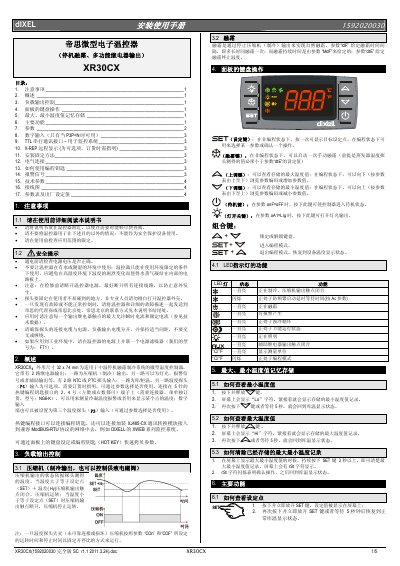
DIXEL XR30CX Micro Electronic Thermostat Installation and User Manual
The DIXEL XR30CX is a miniature temperature controller designed for medium-temperature stop-defrost refrigeration systems. It features two relay outputs: one for the compressor (cooling) and another for lighting, alarm signals, or auxiliary functions. The device accepts inputs from two NTC or PTC probes for cabinet/cabinet temperature and an optional fourth probe for condenser temperature alarms or remote display. This manual is written in Chinese.
Read onlineDIXEL XR30CX specifications
| Dimensions | 32 x 74 mm |
|---|---|
| Probe Inputs | Two NTC or PTC probes |
| Output Type | Relay outputs |
| Temperature Range (LS) | -50 ℃ to SET |
| Temperature Range (US) | SET to 110℃ |
Source: DIXEL XR30CX Micro Electronic Thermostat Installation and User Manual
All DIXEL XR30CX documents by type
Day-to-day operation, settings and troubleshooting. Start here if the product is already set up.
Questions answered in these manuals
How do I enter the programming mode?
Press and hold the SET+ key combination for more than 3 seconds.
From: DIXEL XR30CX Micro Electronic Thermostat Installation and User Manual
What does the 'OFF' character indicate on the screen?
It indicates that the controller is in standby mode with automatic control stopped.
From: DIXEL XR30CX Micro Electronic Thermostat Installation and User Manual
How do I enter the programming mode?
Press and hold the SET+ key combination for more than 3 seconds.
From: DIXEL XR30CX Micro Electronic Temperature Controller Installation and Operation Manual
What does the 'POF' indicator mean?
It indicates that the keyboard is locked and only allows viewing of set points and stored temperature values.
From: DIXEL XR30CX Micro Electronic Temperature Controller Installation and Operation Manual