
Key facts
Start here
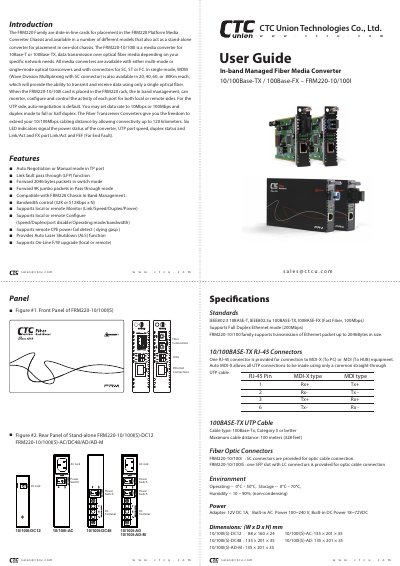
CTC 10/100Base-TX 100Base-FX FRM220-10/100I user manual
The FRM220‑10/100I is a slide‑in media converter that supports 10Base‑T or 100Base‑TX Ethernet on the UTP side and 100Base‑FX fiber on the optical side. It can be installed as a line card in an FRM220 chassis or used as a stand‑alone unit in a single‑slot chassis. The device offers auto‑negotiation, manual mode, link‑fault‑pass‑through, and in‑band management for remote monitoring and configuration.
The manual provides detailed wiring diagrams, console commands for port activation, speed and duplex settings, LED indicator functions, and specifications such as supported standards, power requirements, dimensions, and operating temperature ranges. It also includes an application note on the Link Fault Pass‑Through feature.
CTC 100BASE-TX specifications
| Supported Ethernet standards | IEEE802.3 10BASE‑T, IEEE802.3u 100BASE‑TX, 100BASE‑FX |
|---|---|
| Full‑duplex Ethernet mode | 200 Mbps |
| RJ‑45 connector | One RJ‑45 connector with Auto MDI‑X |
| Fiber connector type | SC (SFP slot with LC for certain models) |
| Power adapter | 12 V DC 1 A, built‑in AC 100‑240 V, built‑in DC 18‑72 V |
| Dimensions (DC12 version) | 88 × 160 × 24 mm |
| Operating temperature range | 0 °C – 50 °C |
| Maximum UTP cable distance | 100 m (Category 5 or better) |
Source: CTC 10/100Base-TX 100Base-FX FRM220-10/100I user manual
All CTC 100BASE-TX documents by type
Day-to-day operation, settings and troubleshooting. Start here if the product is already set up.
Questions answered in these manuals
How do I set the Ethernet speed on the FRM220‑10/100I?
Use the Speed menu item in the console to select either 10 Mbps or 100 Mbps when operating in manual mode.
From: CTC 10/100Base-TX 100Base-FX FRM220-10/100I user manual
How can I enable Link Fault Pass‑Through (LFP)?
Enable the LFP function via the console menu or set DIP switch 4 to ON.
From: CTC 10/100Base-TX 100Base-FX FRM220-10/100I user manual