
Key facts
- Brand
- Contacta
- Model
- STS-K015
- Category
- Interphone
- Industry
- Electronics
- Documents
- 2
- Languages
- EN
- Last added
- 2026-11-09
Start here
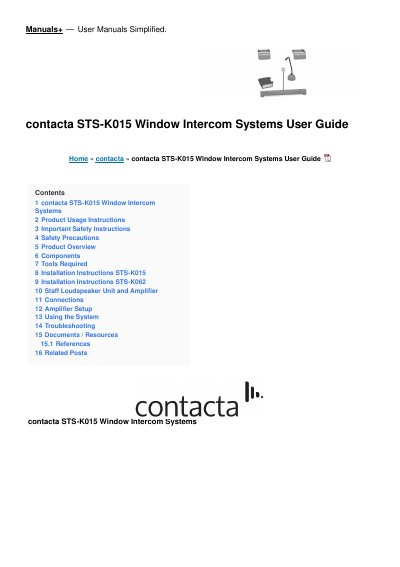
Contacta STS-K015 Window Intercom System Installation and User Guide
The Contacta STS-K015 Window Intercom System installation and user guide covers the STS-K015 along with the STS-K062 and STS-K058 models. It explains the system's use for communication through glass, security screens or similar barriers and notes the included hearing loop facility for hearing device wearers.
The document lists supplied components, including the A31H amplifier, overhead or surface-mount speaker, microphone, staff mic or loudspeaker unit, hearing loop aerial, power supply and mounting bracket. It provides safety instructions, required tools, installation steps for STS-K015 and STS-K062, connection and amplifier setup guidance, system use instructions and troubleshooting.
Contacta STS-K015 specifications
| Models | STS-K015, STS-K062, STS-K058 |
|---|---|
| Amplifier | A31H |
| Speaker type | Overhead speakers for K015 and K062; surface mount speaker for K058 |
| Microphone type | Straight stem microphone for K015 and K062/K064; bent vandal-proof microphone for K058 |
| Power supply | Supplied power supply only |
| Operating environment | Indoor use only |
Source: Contacta STS-K015 Window Intercom System Installation and User Guide
All Contacta STS-K015 documents by type
Day-to-day operation, settings and troubleshooting. Start here if the product is already set up.
Questions answered in these manuals
Can I use my own power supply with the system?
No. The guide says to use only the supplied power supply to prevent damage.
From: Contacta STS-K015 Window Intercom System Installation and User Guide
What should I do if liquids or foreign objects enter the unit?
Immediately turn off the power switch, disconnect the power plug from the power outlet, and contact your local dealer.
From: Contacta STS-K015 Window Intercom System Installation and User Guide
What should be done if liquids or foreign objects enter the unit?
Immediately turn off the power switch, disconnect the power plug, and contact your local dealer.
From: Contacta STS-K015-01 Speech Transfer System Installation & User Guide
What indicates a microphone fault?
A constant red LED indicates a staff or customer microphone fault.
From: Contacta STS-K015-01 Speech Transfer System Installation & User Guide