
Key facts
- Brand
- Carel
- Model
- pCO1
- Category
- Other Electronics
- Industry
- Industrial
- Documents
- 2
- Languages
- EN · ZH
- Last added
- 2023-10-13
Start here
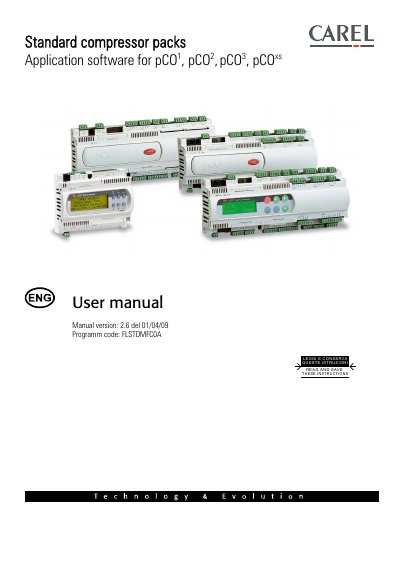
Carel pCO1/pCO2/pCO3/pCOxs Compressor Pack Application Software User Manual
This document is the user manual for the FLSTDMFCOA application software, version 2.6, designed for Carel compressor pack boards including pCO1, pCO2, pCO3, and pCOxs models. It provides instructions for installation, operation, and maintenance of the software controlling compressors, condensation fans, and auxiliary pumps.
Read onlineCarel pCO1 specifications
| Software Version | 2.6 |
|---|---|
| Programm code | FLSTDMFCOA |
| Max Compressors | six |
| Max Load Steps | three |
| Max Fan Steps | sixteen |
| Supported Languages | English, Italian, French, German, Spanish, Russian |
Source: Carel pCO1/pCO2/pCO3/pCOxs Compressor Pack Application Software User Manual
All Carel pCO1 documents by type
Day-to-day operation, settings and troubleshooting. Start here if the product is already set up.
Questions answered in these manuals
What are the new features in software version 2.0?
The new features include improved inverter management for compressors and improved inverter management for fans.
From: Carel pCO1/pCO2/pCO3/pCOxs Compressor Pack Application Software User Manual
What is the maximum number of compressors this software can manage?
The software can manage up to six compressors, provided the unit has enough available outputs.
From: Carel pCO1/pCO2/pCO3/pCOxs Compressor Pack Application Software User Manual
How should the pCO1 controller be mounted?
The controller should be fixed on a DIN rail by pressing it into the rail so the spring catches the slot.
What safety precautions are required before installing the controller?
Read the manual carefully, ensure qualified personnel perform the work, disconnect the power supply, and follow local mandatory safety standards.