
Key facts
Start here
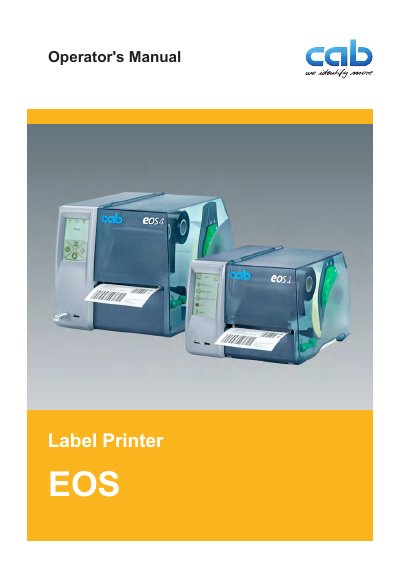
cab EOS Series Label Printer Operator's Manual
The document is an operator's manual for the cab EOS family of industrial thermal transfer printers. It covers models Eos1/200, Eos1/300, Eos4/200, and Eo0s4/300, designed for printing labels and continuous media.
Read onlineAll cab EOS4 documents by type
Day-to-day operation, settings and troubleshooting. Start here if the product is already set up.
Disassembly, diagnostics and part numbers, for repair.
Questions answered in these manuals
What materials is this printer intended to print?
The device is intended exclusively for printing suitable materials, specifically labels and continuous media.
What is the maximum sound pressure level of the printer?
The maximum sound pressure level is less than 70 dB(A).
Which models are covered by this service manual?
The manual covers the EOS1 / 200, EOS1 / 300, EOS1 / 200 C, EOS1 / 300 C, EOS4 / 200, EOS4 / 300, EOS4/ 200 C, EOS4/ 300 C, EOS4 / 200 P, and EOS4/ 300 P label printers.
What tools are required to replace the printhead?
A Torx screwdriver TX10 and adjusting pliers (flat-nosed) are listed as necessary tools for replacing the printhead.
What is the intended use of the device?
The device is intended exclusively for printing suitable materials such as labels and continuous media.
From: cab EOS E0s1/200, E0s1/300, Eos4/200, Eo0s4/300 Operator's Manual
Can the device be used in a moist environment?
No, the device may only be used in a dry environment and should not be exposed to moisture.
From: cab EOS E0s1/200, E0s1/300, Eos4/200, Eo0s4/300 Operator's Manual