
Key facts
- Brand
- audio-technica
- Model
- ATR2100x-USB
- Industry
- Electronics
- Documents
- 2
- Languages
- ZH
- Last added
- 2026-10-25
Start here
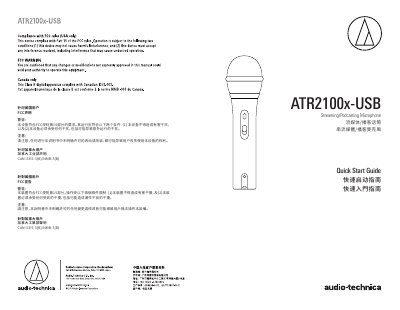
Audio-Technica ATR2100x-USB Streaming/Podcasting Microphone Quick Start Guide
The document serves as a quick start guide for the Audio-Technica ATR2100x-USB Streaming/Podcasting Microphone. It includes regulatory compliance statements for users in the United States (FCC) and Canada (Industry Canada). The guide covers basic setup procedures such as mounting the microphone on a tripod stand, adjusting angles, and connecting to recording devices. This manual is written in Chinese.
Read onlineAll Audio-Technica ATR2100x-USB documents by type
The shortest path to a working setup, usually only a few pages.
Day-to-day operation, settings and troubleshooting. Start here if the product is already set up.
Questions answered in these manuals
What are the maximum sampling rate and bit depth of the microphone?
The analog-to-digital converter supports a sampling rate of up to 192kHz with 24-bit resolution.
From: Audio-Technica ATR2100x-USB Cardioid Dynamic USB/XLR Microphone User Manual
How can I adjust the headphone volume while recording?
You can insert headphones into the 3.5mm jack and use the control knob at the bottom of the microphone to adjust the volume.
From: Audio-Technica ATR2100x-USB Cardioid Dynamic USB/XLR Microphone User Manual