
Key facts
- Brand
- Audient
- Model
- iD4
- Documents
- 2
- Languages
- ZH · EN
- Last added
- 2026-10-14
Start here
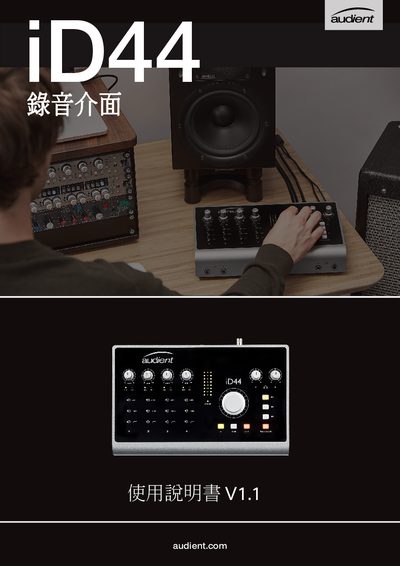
Audient iD44 Audio Interface User Manual
The Audient iD44 is a high-performance 4-in/8-out audio interface designed to provide console-quality microphone preamps and converters. It features four Class A Audient console mic preamps, two JFET instrument inputs, full monitoring capabilities controlled via software, and the innovative ScrollControl mode for intuitive operation. This manual is written in Chinese.
Read onlineAudient iD4 specifications
| Sample Rate | 24bit/96khz |
|---|---|
| Power Source | USB3.0 Bus Powered |
| Compatibility | iOS Compatible |
| Design | All Metal Design |
All Audient iD4 documents by type
Day-to-day operation, settings and troubleshooting. Start here if the product is already set up.
Questions answered in these manuals
How many input and output channels does the iD44 report to a computer?
The interface reports having 20 inputs and 24 outputs when connected.
What is the warranty period for the iD44 audio interface?
The product includes a manufacturer's warranty of one year, which equals 12 months.
How do I install the iD4 on macOS?
Connect the iD4 using the USB-C cable, then select it as the audio device in System Preferences > Sound > Output.
What is required to install the iD4 on Windows?
Download the iD drivers from audient.com/id4-downloads, connect the device, run the installer, reboot, and set it as the default audio device.