
Key facts
- Brand
- AT&T
- Model
- TL72208
- Industry
- Electronics
- Documents
- 2
- Languages
- EN
- Last added
- 2012-06-01
Start here
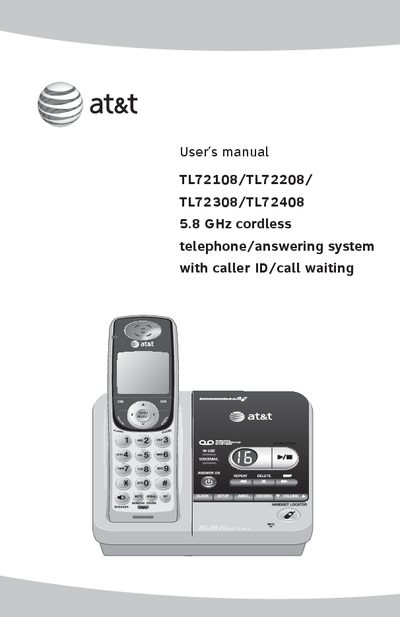
AT&T TL72108/TL72208/TL72308/TL72408 5.8 GHz Cordless Telephone/Answering System User Manual
This manual covers the AT&T TL72108/TL72208/TL72308/TL72408 5.8 GHz cordless telephone/answering system. It includes safety information, installation steps, handset charging, and detailed operation of the answering system, caller ID, and call waiting features.
Key sections guide you through installing a DSL filter, setting up the telephone base and charger, using the handset controls, configuring the answering system, and troubleshooting common issues. Technical specifications are listed at the end of the document.
AT&T TL72208 specifications
| RF frequency band (handset to base) | 2400 MHz — 2483.5 MHz |
|---|---|
| RF frequency band (base to handset) | 5725 MHz — 5850 MHz |
| Number of channels | 95 |
| Operating temperature | 32°F — 122°F (0°C — 50°C) |
| Telephone base voltage (AC) | 96 — 130 Vrms |
| Telephone base voltage (adapter output) | 9 VDC @400 mA |
| Handset voltage | 3.2 — 4.7 VDC 550 mAh |
| Charger voltage | 9 VDC @200 mA |
| Replacement battery | 3.6 V 600 mAh |
All AT&T TL72208 documents by type
Day-to-day operation, settings and troubleshooting. Start here if the product is already set up.
Questions answered in these manuals
How do I charge the handset?
Place the handset on the telephone base or charger; the charging indicator will light when the handset is charging.
What is the operating temperature range?
The handset operates between 32°F and 122°F (0°C to 50°C).
How do I install a DSL filter for the telephone?
Install a DSL filter between the telephone base and the wall jack to prevent noise and caller ID problems.
From: AT&T TL72108/TL72208/TL72308/TL72408 5.8 GHz Cordless Telephone/Answering System User Manual
How do I charge the handset?
Place the handset on the base or charger; the indicator shows "CHARGE" when the handset is charging.
From: AT&T TL72108/TL72208/TL72308/TL72408 5.8 GHz Cordless Telephone/Answering System User Manual