
Key facts
- Brand
- Arris
- Model
- MP2000 2
- Category
- Other Electronics
- Documents
- 2
- Languages
- EN
- Last added
- 2023-11-24
Start here
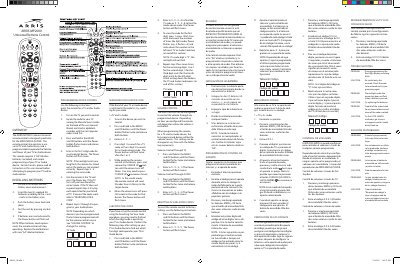
Arris MP2000 2 Universal Remote Control User Manual
The Arris MP2000 2 is a universal remote control designed specifically for the Arris Media Player. It also contains a universal TV and Audio library and is programmable to operate the volume and power of a TV or audio device.
The remote requires two AA alkaline batteries, which are included. The manual provides instructions for battery installation, programming device control, searching for a code, checking codes, volume control, resetting codes, and troubleshooting.
Arris MP2000 2 specifications
| Batteries | 2 AA Alkaline batteries (included) |
|---|---|
| Designed for | Arris Media Player |
| Compatible devices | TV and Audio devices |
All Arris MP2000 2 documents by type
Day-to-day operation, settings and troubleshooting. Start here if the product is already set up.
Questions answered in these manuals
How many batteries does the Arris MP2000 2 remote require?
It requires two AA alkaline batteries, which are included with the remote.
How do you reset the remote control to factory settings?
Press and hold Menu and OK until the Power button flashes twice, then enter 9-9-9-9.
How many batteries does the Arris MP2000 2 remote require?
It requires 2 AA alkaline batteries, which are included.
How do I program the remote for a TV?
Turn on the TV, find its manufacturer code, hold MENU and OK until the Power button flashes twice, enter the five-digit code, then aim the remote and press Power.