
Key facts
- Brand
- Alcatel-Lucent
- Model
- 8002/8012
- Category
- Other Electronics
- Industry
- Electronics
- Documents
- 2
- Languages
- ZH · EN
- Last added
- 2026-10-25
Start here
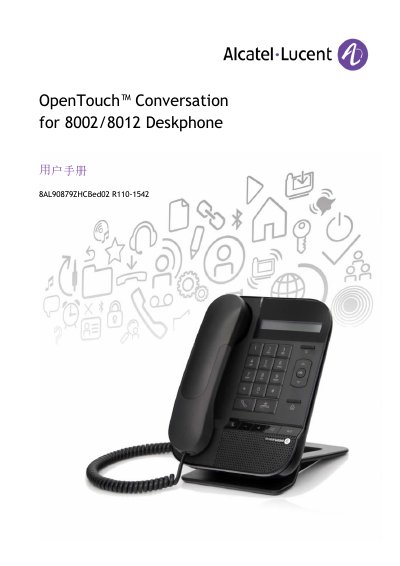
Alcatel-Lucent OpenTouch Conversation 8002/8012 Deskphone User Manual
This user manual guides users through the features and configuration steps of the Alcatel-Lucent OpenTouch Conversation 8002 and 8012 deskphones. It explains how to read the guide, including the use of purple italicized menu labels on the screen. The document covers basic operations such as initiating calls, using the personal directory, and handling incoming calls via the handset, headset, or hands-free mode. This manual is written in Chinese.
Read onlineAlcatel-Lucent 8002/8012 specifications
| Headset connector | One 3.5 mm headset connector (8012 only) |
|---|---|
| Operating temperature | -5 °C to +45 °C |
| Ringer volume levels | 9 levels, 5 dB each |
Source: Alcatel-Lucent OmniTouch 8002/8012 DeskPhone User Manual
All Alcatel-Lucent 8002/8012 documents by type
Day-to-day operation, settings and troubleshooting. Start here if the product is already set up.
Questions answered in these manuals
How do I make a call with the OmniTouch desk phone?
Press the start‑call key, dial the number directly, or select a contact from the directory and then press the start‑call key.
From: Alcatel-Lucent OmniTouch 8002/8012 DeskPhone User Manual
How can I mute the handset during a conversation?
Press the Mute key; the handset will prevent the other party from hearing you until you press the key again.
From: Alcatel-Lucent OmniTouch 8002/8012 DeskPhone User Manual