
This quick user guide covers the installation, setup, and usage of the ZTE MF626 HSDPA USB modem for data and SMS services on Windows and Mac.
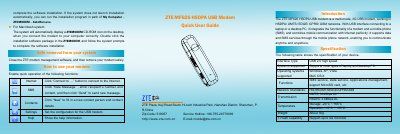
The ZTE MF626 is a multi-mode 3G USB modem compatible with HSDPA/UMTS/EDGE/GPRS/GSM networks. It functions as both a mobile phone (SMS) and an internet modem, supporting microSD card storage for up to 4GB.
This guide provides instructions on installing the SIM/USIM and microSD cards, connecting the device to Windows or Mac computers, and using the management software to access the Internet, send SMS messages, and manage contacts.
| Network Standards | HSDPA/UMTS/EDGE/GPRS/GSM |
|---|---|
| Maximum Download Speed (HSDPA) | 3.6Mbps DL |
| Storage Capacity | Up to 4G microSD |
| Weight | About 30g |
| Operating Temperature | -10°C ~ +55°C |
The modem supports Windows XP, Vista, and MAC OS X.
Remove the cap, pull out the plastic socket, insert the card with metal contacts facing down, and push the socket back in until it clicks.
The device supports microSD cards with a capacity of up to 4GB.