
User guide for ZTE MF28 4G CPE device covering setup, Wi-Fi and cable connections, web management, mesh network, WPS, and troubleshooting.
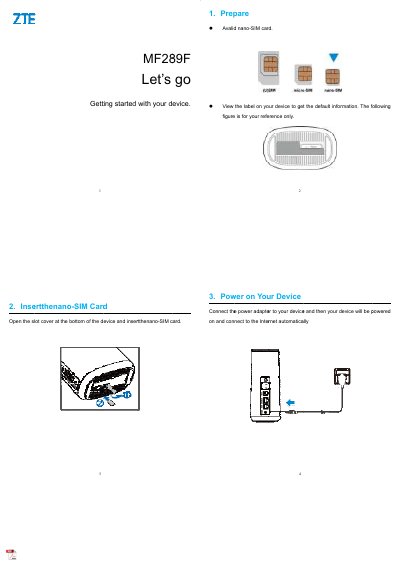
This manual guides users through setting up the ZTE MF28 4G CPE device, including inserting a nano-SIM card, connecting to Wi-Fi or Ethernet, logging into the web interface, and configuring settings. It also covers mesh network setup, WPS functionality, and troubleshooting common issues like internet connectivity or voice problems.
The device supports 4G LTE connectivity and can be used as a router or modem. Indicators for power, Wi-Fi, network, and WPS are described, along with port functions including WAN/LAN, phone, and external antenna connections. This manual is written in Chinese.
Connect the device to your network via Wi-Fi or using an Ethernet cable (RJ45) to a computer or router.
Yes, the device supports mesh network to extend Wi-Fi coverage and enable seamless roaming between devices.
Press and hold the reset hole for about 3 seconds to restore the device to factory defaults.