
Zhengjue KTS/KAC/KCC Series Host Gateway Joylink Platform Integration Manual

This manual details the integration of Zhengjue KTS/KAC/KCC host gateways with the JD.com Joylink smart platform, covering IoT Link module setup and app…
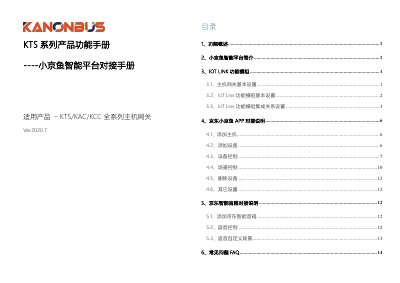

Zhengjue KTS/KAC/KCC Series Host Gateway Joylink Platform Integration Manual - cover page
Brand
Zhengjue
Document type
User Manual
Language
Chinese
Pages
15
File format
PDF
File size
9.1 MB
Published
24 October, 2026
Updated
24 October, 2026
MD5 checksum
F5DBEE65A519417F2F9049EB3A013EDE

About this manual

This document provides instructions for integrating Zhengjue KTS, KAC, and KCC series host gateways with the JD.com Joylink (Xiao Jingyu) intelligent service platform. It explains how to configure the IoT Link functional module within the gateway's web interface to enable control of lighting, curtains, air conditioning, floor heating, fresh air systems, and smart switches. This manual is written in Chinese.

What's inside

  • Function Overview
  • Joylink Platform Introduction
  • IoT Link Functional Module
  • Host Gateway Basic Settings
  • Adding Devices in App
  • Voice Control Setup

Frequently asked questions

What browser should be used for gateway configuration?

Use a non-IE kernel browser such as Firefox or Chrome.

What is the default web IP address for the gateway?

The default web IP address is 192.168.1.232.

Download PDF (9.1 MB)

More Zhengjue Manuals


View all Zhengjue manuals →