
The XV DVD Player manual provides safety guidelines, setup steps, operation instructions, and technical specifications for the XV‑N670B and XV‑N672S models.
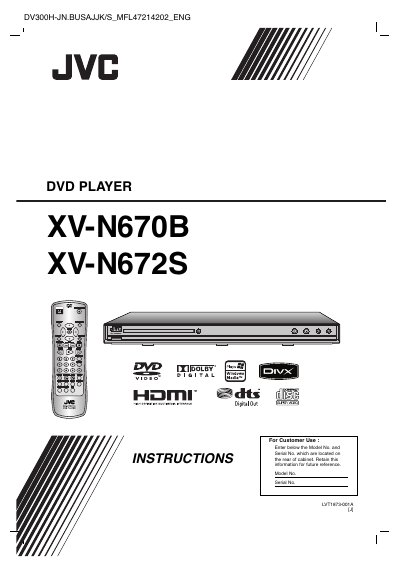
This manual covers safety warnings, handling of discs, and proper ventilation for the XV DVD Player. It explains the meaning of symbols, regional code requirements, and cautions about laser exposure, water, and electrical hazards.
Installation instructions detail video and audio connections, HDMI setup, resolution selection, and remote‑control operation. The guide also includes troubleshooting tips, specifications, and warranty information for the XV‑N670B and XV‑N672S DVD players.
| Power requirements | AC 120 V, 60 Hz |
|---|---|
| Power consumption | 9 W |
| Dimensions (W × H × D) | 430 mm × 39 mm × 192 mm (17 × 1.5 × 7.6 in) |
| Net weight | 1.5 kg (3.3 lb) |
| Operating temperature | 5 °C to 35 °C (41 °F to 95 °F) |
| Operating humidity | 5 % to 90 % |
Check that the power cord is securely plugged into the wall outlet and that the outlet is functional.
Connect the HDMI OUTPUT jack on the player to the HDMI input on the TV, set the TV source to HDMI, and use the RESOLUTION button to select the desired video mode.
Press the RESOLUTION button repeatedly; the current setting appears on the display and cycles through the available resolutions.