
This manual provides installation, wiring, configuration steps via X2View software, supported device protocols, and troubleshooting for the Xunrao…
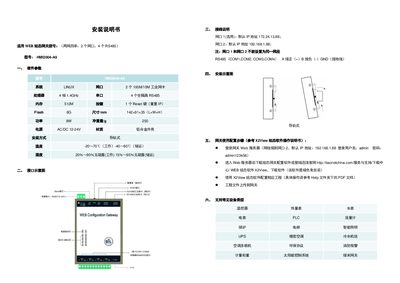
The document is an installation guide for the Xunrao HMI2004-A9 WEB-configurable gateway. It details hardware specifications including a 1.4GHz quad-core processor, 512M RAM, and 8G Flash storage housed in an aluminum alloy case with rail mounting. The device features two 100M/10M Ethernet ports and four isolated RS485 serial ports. This manual is written in Chinese.
| System OS | LINUX |
|---|---|
| Processor | 4-core 1.4GHz |
| Memory (RAM) | 512M |
| Flash Storage | 8G |
| Dimensions | 142x91x35 mm |
| Power Supply | AC/DC 12-24V |
| Operating Temperature | -20~70℃ |
The default IP address for Port 2 is 192.168.1.88.
Long press the Reset button until the device beeps ('嘀嘀嘀'), which restores the default IPs.