
User manual for the XTRONS car navigation system, covering safety precautions, radio, DVD, USB/SD, Bluetooth, navigation, settings, and troubleshooting.
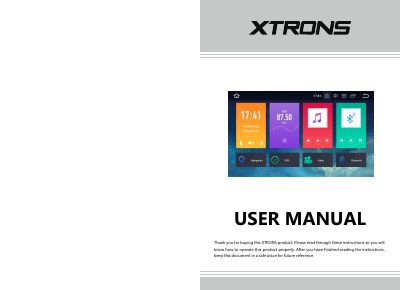
This XTRONS user manual explains how to operate the car navigation system and gives safety and installation precautions. It covers the home screen, radio, DVD playback, USB/SD and AUX inputs, Bluetooth and Bluetooth music, screen mirroring, navigation, and Internet connection.
The manual also describes optional OBD2, DVR, DAB+, TV, and TPMS functions, plus settings, troubleshooting, and an appendix. It states that the product is designed for professional installation and should be used with a 12-volt battery and negative grounding.
| Power requirement | 12-volt battery with negative grounding |
|---|---|
| Radio preset memory | Up to 18 FM stations and 12 AM stations |
| Installation angle tolerance | Horizontal installation within 0 to 20 degrees tolerance, within 5 degrees left or right |
Park the vehicle in a safe place, turn the ignition switch off (ACC OFF) immediately, and consult your dealer. Do not continue using the product in this condition.
XTRONS does not recommend self-installation; the product is designed for professional installation only.
The radio memory can store up to 18 FM stations and 12 AM stations.
It requires a 12-volt battery and negative grounding only.