
User manual for the Xinyuan RHB-2000 projector intelligent protector, covering installation, operation, debugging and troubleshooting.
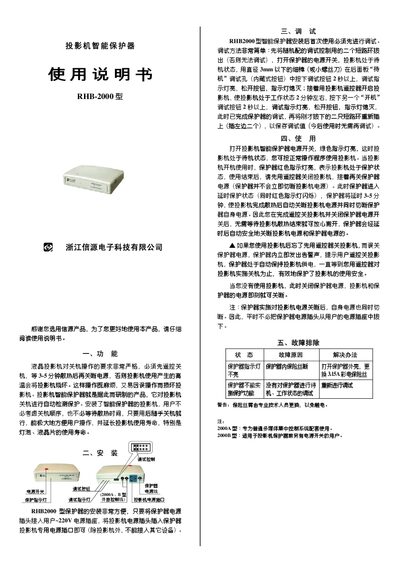
The Xinyuan RHB-2000 projector intelligent protector simplifies shutdown procedures for LCD projectors. It automatically detects the projector’s power‑off state, eliminating the need for a strict remote‑off sequence and reducing the risk of overheating damage.
The manual explains how to install the unit by connecting it to a 220 V outlet and the projector’s power plug, how to perform the initial debugging, normal operation, and provides a troubleshooting table for common issues such as indicator‑light failures or fuse problems. This manual is written in Chinese.
| Input voltage | 220 V AC |
|---|---|
| Fuse rating | 3.15 A |
| Delay time before power cut | 3‑5 minutes |
| Debug button probe diameter | < 3 mm |
Remove the two shorting rings, turn on the protector, press the hidden debug button for more than 2 seconds, then repeat the procedure for the power‑on button; finally re‑insert the shorting rings.
Check the internal fuse; if it is blown, replace it with a 3.15 A TV fuse.