
User manual for the Xiaoyibang interactive interview exam system, covering setup, exam procedures, and video upload guidelines.
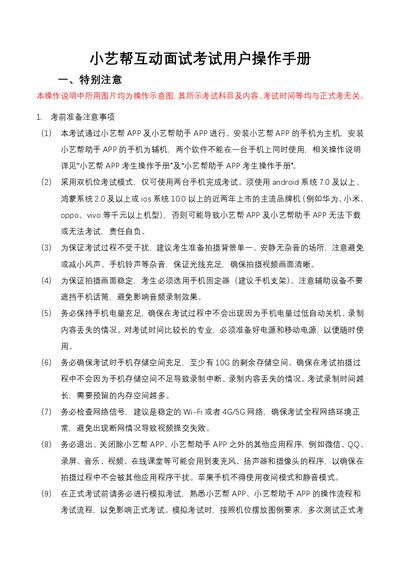
This manual explains how to prepare and operate the Xiaoyibang interactive interview exam system using two separate smartphones – one running the Xiaoyibang app as the main device and the other running the Xiaoyibang Helper app. It details pre‑exam requirements such as OS version, storage space, network stability, and device positioning.
During the exam, the guide describes the steps for face verification, recording, and submitting video recordings, as well as troubleshooting tips for network interruptions and upload failures. Contact information for technical support is also provided. This manual is written in Chinese.
| Supported operating systems | Android 7.0+, HarmonyOS 2.0+, iOS 10.0+ |
|---|---|
| Minimum free storage | 10 GB |
| Network requirement | Stable Wi‑Fi or 4G/5G |
| Device configuration | Two separate phones – one for Xiaoyibang app, one for Helper app |
No. The Xiaoyibang app must run on the main phone and the Helper app on a separate phone; they cannot be installed on the same device.
Monitor the upload progress, switch to a stable network if needed, and follow the system prompts to continue uploading until it succeeds.
Each phone should have at least 10 GB of free storage to ensure recording and uploading can proceed without interruption.
The apps support Android 7.0 or later, HarmonyOS 2.0 or later, and iOS 10.0 or later.