
Step‑by‑step guide for using the Xiaoyibang 3.0 exam app, covering registration, device setup, exam procedures and video submission.
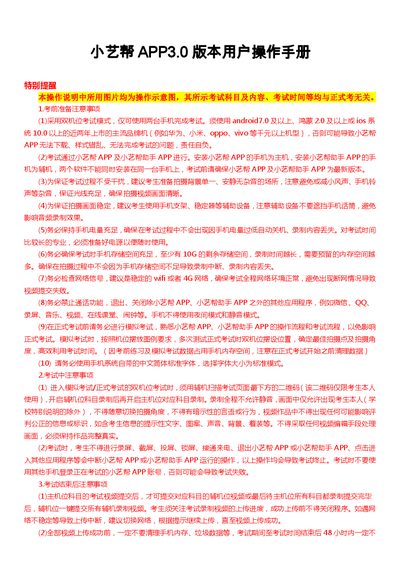
This manual explains how to prepare, register, and authenticate for exams using the Xiaoyibang 3.0 app and its companion helper app. It details required device specifications, network conditions, and recommended shooting setups for the dual‑camera exam mode.
The document also describes the exam workflow, including face verification, video recording, submission, and post‑exam handling, plus troubleshooting tips and technical support contacts. This manual is written in Chinese.
| Supported Android version | Android 7.0 and above |
|---|---|
| Supported HarmonyOS version | HarmonyOS 2.0 and above |
| Supported iOS version | iOS 10.0 and above |
| Minimum free storage | 10 GB |
The app works on Android 7.0+, HarmonyOS 2.0+, and iOS 10.0+ devices released in the past two years.
At least 10 GB of free storage is required on the device before the exam starts.
No. The Xiaoyibang app (main) and the Xiaoyibang Helper app must be installed on separate phones.
Switch between Wi‑Fi and 4G as prompted, then retry the upload until it succeeds.