
This manual covers the setup, usage, and warranty information for the Xiaomi WXKG12LM upgraded wireless switch compatible with Mi Home.
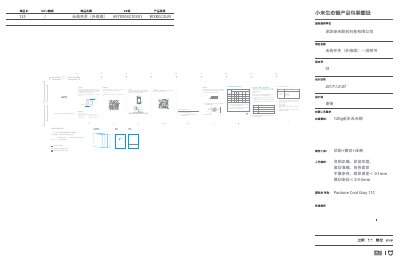
The document provides instructions for the Xiaomi WXKG12LM, an upgraded low-power wireless switch featuring a three-axis accelerometer. It supports installation via placement or adhesive mounting and is designed to control smart devices like lights and sockets within indoor environments.
The guide details how to connect the device to the Mi Home ecosystem using the 'Mi Home' APP and a gateway. It also outlines the warranty policy, specifying return, exchange, and repair periods based on product quality issues, along with a list of non-warranty conditions such as unauthorized repairs or liquid damage. This manual is written in Chinese.
| Product Model | WXKG12LM |
|---|---|
| Dimensions | 45x45x12mm |
| Operating Temperature | -10C to +60C |
| Wireless Connection | ZigBee |
| Humidity Range | 0-95% RH |
| Battery Specification | CR2032 |
Download the 'Mi Home' APP, select your gateway in the device page, and click add sub-device until the voice prompt indicates success.
Within one year of purchase, the product is covered for free repair if it suffers from quality-related performance failures listed in the fault table.