
Portuguese user guide for the Xiaomi Redmi Note 11 smartphone covering SIM insertion, power on, charging, and Mi Cloud setup.
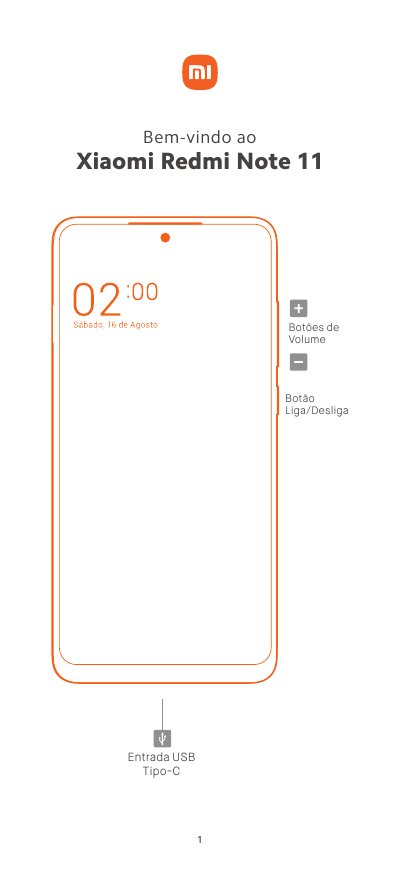
Xiaomi Redmi Note 11 is a smartphone. This Portuguese-language user guide covers the device buttons and USB Type-C port, the MIUI operating system, and inserting nano SIM and MicroSD cards.
It also explains power-on and charging steps, Mi Cloud account registration and configuration, and includes safety, hearing, battery disposal, and customer support information. This manual is written in Portuguese.
| Mobile network support | 2G, 3G, and 4G |
|---|---|
| SIM card type | nano SIM |
| Memory card support | MicroSD card |
| Charging and data port | USB Type-C |
| SIM tray configuration | Dual nano SIM or one nano SIM plus one MicroSD card |
Insert the eject tool into the side hole, remove the tray, place one or two nano SIM cards and optionally a MicroSD card, then reinsert the tray.
Press and hold the power button for 3 seconds; if it still does not start, charge it for 3 hours with the original charger and press the power button for 3 seconds.
It synchronizes data across devices, performs backups, locates the device, and provides access to photos, contacts, call records, messages, and more.
Yes, it supports simultaneous 4G use on both nano SIM cards when the local operator's services are available.