
Xiaomi LYWSD02MMC Temperature and Humidity Monitor Clock user manual covering battery installation, mounting, display symbols, app connection and specs.
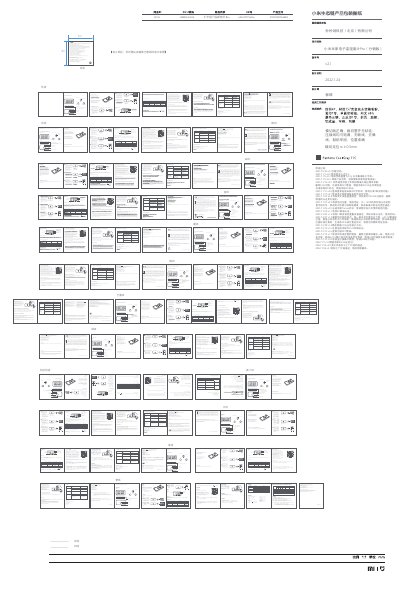
This is the user manual for the Xiaomi Temperature and Humidity Monitor Clock, model LYWSD02MMC. It explains how to open the cover on the back of the clock and insert the batteries, and describes the three ways the clock can be installed indoors: with the stand, with the adhesive sticker, or with the flexible magnet.
The manual then covers everyday use: the display elements such as time, temperature, humidity, comfort level symbol, data transfer symbol and low battery symbol, the periodic refresh of the screen, connecting the clock with the Mi Home/Xiaomi Home app for smart connection with other devices, restoring factory settings, cleaning and maintenance, precautions, troubleshooting and specifications.
| Model | LYWSD02MMC |
|---|---|
| Materials | ABS + PC |
| Item Dimensions | 110 × 55 × 10.1 mm |
| Net Weight | 57 g |
Remove the cover on the back of the clock and connect the "Reset" and the "Gnd" metal points near any battery with a metal conductive material for more than 7 seconds while the clock is working. After the clock restarts, the factory settings are restored.
Yes. Connect the clock with the Mi Home/Xiaomi Home app when using it for the first time; once connected successfully, the clock will automatically calibrate the time.
The display blinks (the colors are inverted) once every 30 minutes so as to refresh the display and remove residual images.
The manual gives comfort level ranges of between 19 °C and 27 °C for temperature and between 20% and 85% for humidity, with descriptions for values below and above those ranges.