
User manual for a gamepad covering wireless and wired pairing, extra buttons, Turbo/Auto-Fire, vibration, RGB and macro settings.
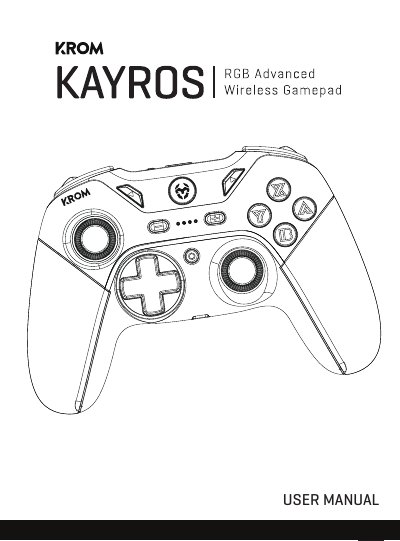
This user manual explains how to pair and connect the gamepad in Nintendo Switch/PC wireless, Android/iOS, PC X-Input wireless, and wired PC modes. It also covers extra button mapping, Turbo and Auto-Fire settings, vibration levels, RGB LED settings, macro recording and factory reset.
The manual is presented in English, Spanish and Portuguese. It describes the required button combinations and LED indications for each operation; no manufacturer brand or model number is stated in the supplied text.
| Turbo/Auto-Fire speed levels | 3 levels: 5 times per second, 12 times per second and 20 times per second; default is 12 times per second |
|---|---|
| Vibration levels | 4 levels: none, weak, medium and strong |
| Supported mobile OS versions | Android v10 and above; iOS v13.4 and above |
| LED groups | Two groups: ABXY + Home + Left Thumbstick; LED Stripe |
| Macro buttons | ML and MR on the back of the gamepad |
With the controller OFF, press and hold SYNC for 3 seconds until the four LEDs flash, then search for the device in the console or PC Bluetooth settings.
With the controller OFF, hold SYNC + X for 2 seconds until the LEDs flash quickly, then search for “Xbox One Controller” in your smartphone Bluetooth settings.
Hold TURBO and press A, B, X, Y, L or R to set Turbo; press the selected button again while still holding TURBO to set Auto-Fire.
After connecting the gamepad, hold TURBO and press + to increase or - to decrease the vibration level.