
The WIN3000 POS user manual provides installation steps, system setup, peripheral programming and troubleshooting for the device.
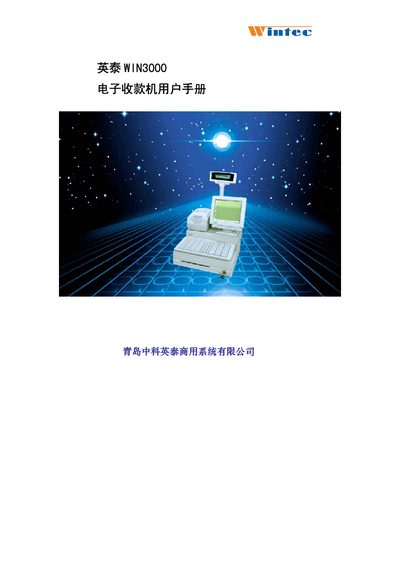
This manual covers the complete setup of the WIN3000 POS machine, including hardware installation, operating system support, and configuration of peripherals such as keyboards, customer displays, and printers. Detailed instructions are provided for both split‑unit and integrated installations.
Additional sections describe system self‑test procedures, software installation for various operating systems, and a comprehensive troubleshooting guide that addresses common issues with keyboards, displays, printers, and network connectivity. This manual is written in Chinese.