
Weiser Halo Touch Fingerprint Smart Lock Installation and Reference Guide

Installation and reference guide for the Weiser Halo Touch Fingerprint Smart Lock, covering parts, tools, setup, and app download.
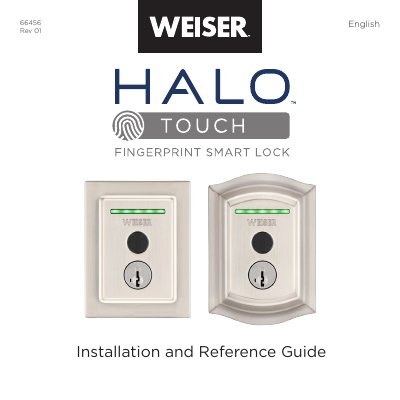

Weiser Halo Touch Fingerprint Smart Lock Installation and Reference Guide - cover page
Brand
Weiser
Category
Smartphones
Document type
Installation Guide
Language
English
Pages
31
File format
PDF
File size
6.3 MB
Published
06 November, 2026
Updated
06 November, 2026
MD5 checksum
1F7AA56C884B0D3CB2C4B50251E3D949

About this manual

This document serves as the official installation and reference guide for the Weiser Halo Touch Fingerprint Smart Lock. It details the contents of the package, required tools, and step-by-step instructions for installing the exterior and interior assemblies on a door. The guide also explains how to remove the existing deadbolt and prepare the door for the new lock.

What's inside

  • Parts in the box
  • Required tools
  • Installation
  • Download the app
  • Reference guide
  • Factory Reset
  • Troubleshooting
  • Important Safeguards
  • Regulatory Compliance

Frequently asked questions

What is the Weiser Halo Touch Fingerprint Smart Lock used for?

It is a smart lock for securing doors using fingerprint, key, or app access.

What tools are required for installation?

Phillips head screwdriver, SmartKey™ tool, and mounting plate.

What should you do if you want to change the lock owner?

Perform a Factory Reset to delete all settings and user associations.

What is the recommended door thickness for installation?

The door must be 1-3/4” to 2” (44mm - 51mm) thick.

Download PDF (6.3 MB)

More Weiser Manuals


View all Weiser manuals →