
The Waters Network Systems PS-2126M-POE operating manual provides specifications, installation, configuration, and troubleshooting for the 24‑port PoE…
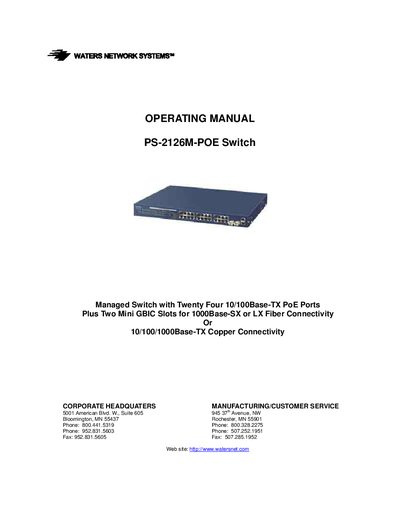
The PS-2126M-POE is a rack‑mountable managed Ethernet switch with twenty‑four 10/100Base‑TX PoE ports, two dual‑media slots for fiber or copper, and a total PoE power budget of 185 W. It supports IEEE 802.3af PoE, VLANs, QoS, spanning‑tree, and a range of network management interfaces including web, CLI, SNMP and Telnet.
This manual covers hardware and software features, installation steps, port and PoE configuration, VLAN and security settings, as well as diagnostics, firmware upgrade, and troubleshooting procedures. It also provides warranty information and RMA instructions.
| Switching Mode | Store-and-forward |
|---|---|
| Memory Buffer Size | 256 Kb |
| Control Memory | 128 K |
| Maximum Throughput | 8.8 Gbps |
| Number of Ports | 24 10/100Base‑TX PoE ports + 2 dual‑media slots (26 usable) |
| PoE Power Budget | 185 W |
| Input Voltage | 100‑240 VAC, 50‑60 Hz |
| Dimensions | 14.41 × 17.4 × 1.77 in (366 × 442 × 45 mm) |
| Weight | 6.83 lb (3.1 kg) |
It provides twenty‑four 10/100Base‑TX PoE ports.
The switch can deliver up to 185 watts of PoE power.
It is covered by a limited lifetime warranty.
Press the RESET button on the rear panel to reset the management system.