
User manual for Waters Network Systems GSM2109 and GSM1009‑SFP managed switches, covering specs, installation, configuration and troubleshooting.
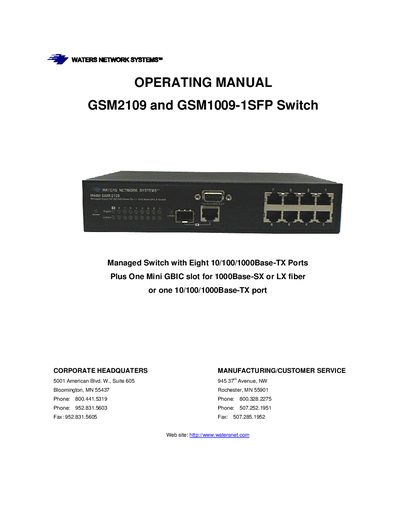
The GSM2109 and GSM1009‑SFP are compact managed switches with eight 10/100/1000Base‑TX ports and a mini‑GBIC slot for fiber. They provide store‑and‑forward switching, an 8K MAC address table and support a full set of management interfaces including web, Telnet, console and SNMP.
The manual details hardware and software features, installation steps, network configuration, security options, and troubleshooting procedures, as well as warranty and RMA information for service and repair.
| Switching Mode | Store-and-forward |
|---|---|
| Bandwidth | Up to 18 Gbps |
| System Throughput | Up to 26.7 Mbps (64‑byte packets) |
| Memory Buffer Size | 1 MB |
| MAC Address Table | 8 K entries |
| Power Input Voltage | 90‑240 VAC, 50‑60 Hz |
| Power Consumption | 10 W max |
| Dimensions (GSM2109) | 8.5 × 5.5 × 1.75 in |
| Weight (GSM2109) | 2 lb (0.91 kg) |
| Operating Temperature | 32 °F to 140 °F (0 °C to 60 °C) |
Select the "Factory Default Settings" option in the menu (see section 5.31).
Waters Network Systems offers a limited lifetime warranty for the ProSwitch‑Secure series and other specified models.