
Key facts
- Manuals
- 1
- Languages
- ZH
- Last added
- 2011-12-20
Featured 旺德 manuals
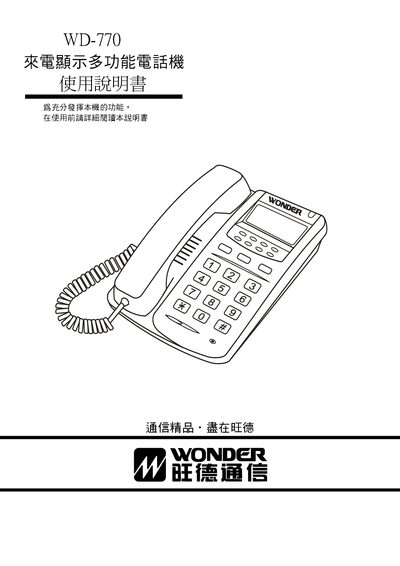
旺德 WD-770 Caller ID Display Multi-Function Telephone User Manual
The WD-770 is a multi‑function telephone with a large LCD that shows incoming numbers, date, and time. It supports FSK/ETSI/DTMF signaling, stores up to 150 incoming call records and 40 outgoing call records, and includes features such as clock display, adjustable ringtone and hands‑free volume, and built‑in lightning protection.
The manual provides detailed instructions for installing the handset, connecting the line, adjusting the LCD contrast, using the memory functions, and performing basic troubleshooting. It also includes a warranty card and guidelines for mounting the unit on a wall. This manual is written in Chinese.
Covers: 電話機各部名稱‧安裝方法 · 本機特點概述 · LCD說明 · 話機使用方法說明 · 來話顯示功能使用方法說明 · 簡易故障排除
Latest 旺德 manuals
旺德 WD-770 Caller ID Display Multi-Function Telephone User Manual
User Manual 8 pages · 386 KB · ZHUser manual for the 旺德 WD-770 caller ID display multi‑function telephone, covering installation, operation, and troubleshooting.
Which document do I need?
User Manual
Day-to-day operation, settings and troubleshooting. Start here if the product is already set up.
Questions answered in 旺德 manuals
How many incoming call records can the WD‑770 store?
It can store up to 150 incoming call numbers with date and time.
From: 旺德 WD-770 Caller ID Display Multi-Function Telephone User Manual
How do I adjust the LCD contrast?
Press and hold the up or down query key for about 3 seconds to switch to contrast adjustment mode.
From: 旺德 WD-770 Caller ID Display Multi-Function Telephone User Manual