
The Wagner Orion 910 Moisture Meter User Manual provides setup, operation, calibration, battery replacement, storage, and warranty information.
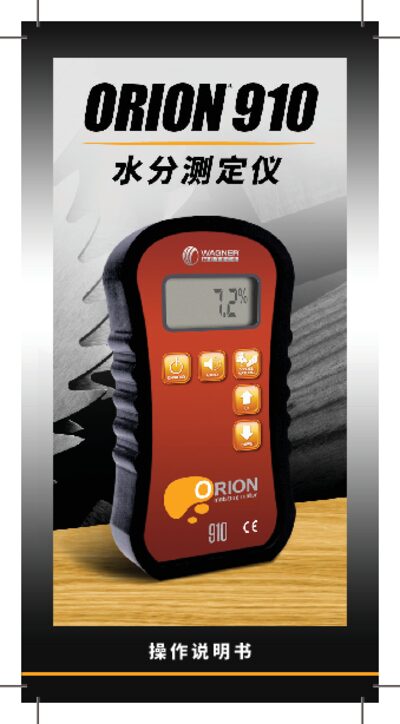
The Orion 910 is a handheld wood moisture meter from Wagner that uses IntelliSense™ technology to measure the internal moisture content of wood and other building materials. It features a digital LCD display, low‑battery alarm, and automatic power‑off to conserve energy.
The manual explains how to power on the device, select material settings, perform quick start measurements, calibrate, replace the battery, and store the instrument safely. It also includes button functions, measurement range details, and warranty information. This manual is written in Chinese.
| Moisture measurement range | 4.0% – 32.0% |
|---|---|
| Resolution | 0.1% |
| Sensor area dimensions | 2.0 in (50 mm) × 2.5 in (63 mm) × 0.75 in (19 mm) |
| Suitable wood thickness | 0.75 in (19 mm) – 1.5 in (38 mm) |
| Low‑battery alarm | Enabled |
| Automatic shut‑off | Enabled |
Press and release the ON/HOLD button; the instrument will power up and display the model and firmware version.
The device measures moisture from 4.0 % up to 32.0 % (range may vary slightly with material settings).