
User guide for the VU VU5100 KVM Extender, detailing installation, compatibility, and troubleshooting for extending DVI and USB 2.0 signals up to 100 meters.
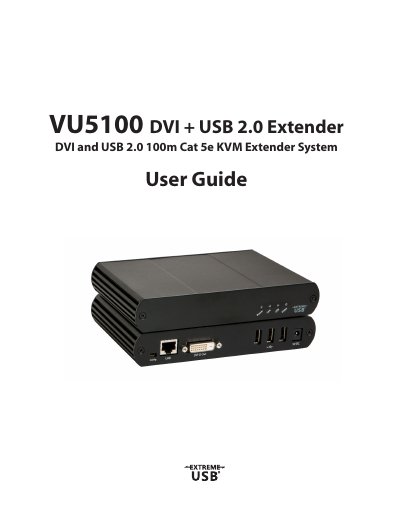
The VU VU5100 KVM Extender system allows users to extend both DVI and USB 2.0 signals up to 100 meters (330 feet) using ExtremeUSB and HD Video technology. The system consists of a Local Extender that connects to the host computer and a Remote Extender that connects to the monitor and USB devices. It supports transparent USB extension and works with major operating systems including Windows, Mac OS X, and Linux without requiring additional software.
| Maximum Extension Distance | 100 meters (330 feet) |
|---|---|
| Cable Type | Cat 5e Shielded Twisted Pair (STP) |
| Power Input | 5V DC, 3A |
| Video Resolution Support | up to 1900 x 1200 |
| USB Compatibility | USB 1.1 and USB 2.0 |
No, the system features true plug and play operation and requires no software.
The product works with Windows, Mac OS X, and Linux operating systems.