
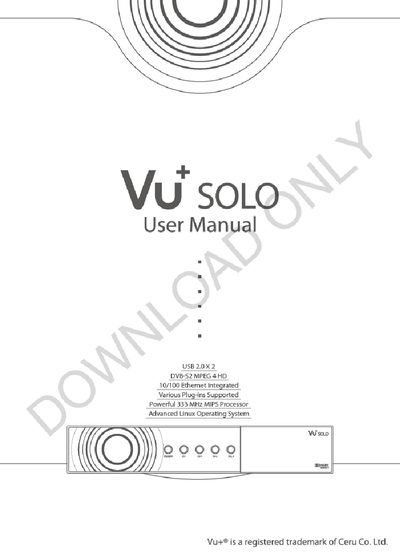
The manual begins with safety precautions and power requirements, explaining how to connect power, avoid over‑loading, keep the unit dry, and ensure proper ventilation. It also details the packaging contents and the front‑ and rear‑panel connectors.
Subsequent sections cover first‑time installation using the wizard, basic operations such as channel selection, volume control, subtitles, and recording, as well as system configuration options like network setup, parental control, and firmware information.
| Processor | 333 MHz MIPS |
|---|---|
| Operating System | Advanced Linux |
| Ethernet | 10/100 Mbps |
| Video Standards | DVB‑52 MPEG‑4 HD |
| Power Input | AC 100‑240 V, 50/60 Hz |
It operates on AC 100‑240 V at either 50 Hz or 60 Hz.
Disconnect the power before connecting the satellite cable to avoid damage to the LNB.
Press the appropriate button on the remote control to open the Electronic Program Guide, which displays scheduled TV and radio programs.
Unplug the unit from the mains and ensure it is powered off before performing any maintenance or installation steps.