
User manual for VTech's Tote & Go Laptop PlusTM, a preschool learning toy with 30 activities for letters, numbers, games, and music.
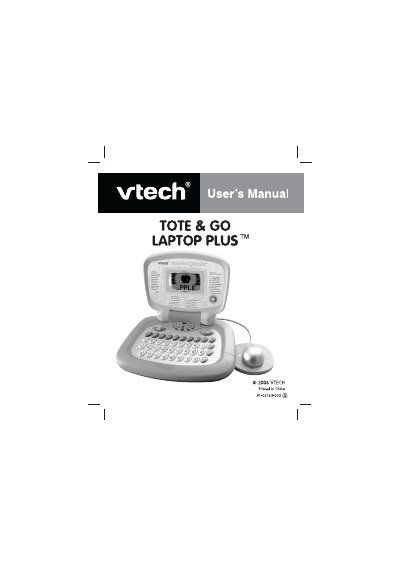
This user manual guides parents through setting up and using the VTech® Tote & Go Laptop PlusTM, a learning toy designed for preschoolers. It covers battery installation, product features, and 30 interactive activities including letters, numbers, games, and music. The manual also includes care instructions and troubleshooting tips for common issues.
Install 3 new 'AA' (UM-3/LR6) batteries following the diagram inside the battery box. Use new alkaline batteries for maximum performance.
Press the volume button, then push the mouse left or right to adjust the volume. Move the mouse down, then left or right to turn background music on or off.