
Instructions for activating the VR SecureGo app, changing the initial PIN, and binding the app to a VR-NetKey for secure banking transactions.
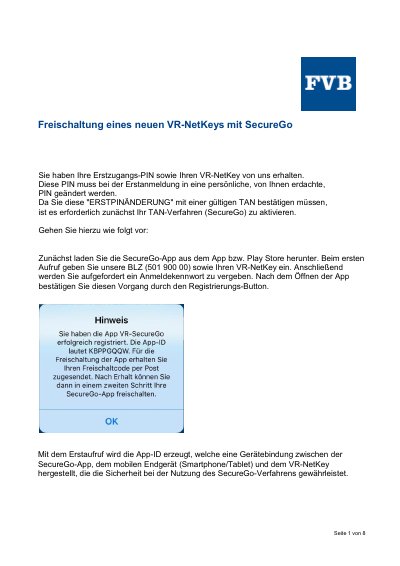
This manual explains how to activate the VR SecureGo application on a mobile device. It covers downloading the app, entering the bank code (BLZ) and VR-NetKey, and setting up a login password. The process involves scanning a QR code or entering a release code to bind the app to the hardware token. This manual is written in German.
The VR-SecureGo App remains in the status 'waiting for release' for 40 days.
The PIN can consist of letters (without umlauts), numbers, the @ symbol, and spaces.