
This user guide explains how to start, navigate, and use the Volvo Sensus Connected Touch multimedia system, including internet connection and app usage.
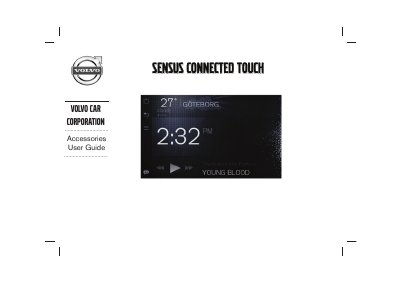
This document is the user guide for the Volvo Sensus Connected Touch (SCT) system, a multimedia in-car entertainment system that transforms the vehicle's infotainment into a multi-touch connected media center. It provides instructions on how to start the system, navigate the main screen and launcher, and utilize various applications such as internet browsing, navigation, and music streaming services like Spotify and Deezer.
The guide covers system features including voice recognition, internet connectivity via 3G/4G or Wi-Fi, and the use of external audio/video devices. It also details the system's technical specifications, such as its 12V DC power requirement and maximum operating temperature, and provides information on replacing the fuse if necessary. This manual is written in Chinese.
You need to press the MEDIA button twice to display media categories and start the system.