
VOLVO DVR GEN III XC90&V40 Special User Manual

User manual for the VOLVO DVR GEN III XC90&V40 Special, covering app connection, video viewing, photo recording, album management, and hardware specifications.
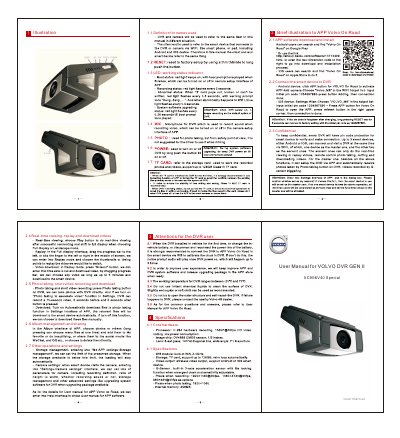

VOLVO DVR GEN III XC90&V40 Special User Manual - cover page
Brand
Volvo
Category
Vehicle maintenance
Document type
User Manual
Language
English
Pages
1
File format
PDF
File size
2.4 MB
Published
20 October, 2026
Updated
20 October, 2026
MD5 checksum
DE89BEC5BD614EC828A728201D3D93FB

About this manual

This document serves as the user manual for the VOLVO DVR GEN III XC90&V40 Special. It provides instructions on using the associated Volvo On Road application, including downloading and installing the software, connecting a smart device to the DVR, and performing operations such as real-time viewing, video replay, downloading, photo taking, and album management.

What's inside

  • Definition for names used
  • LED working status indicator
  • APP software download and install
  • Connect the smart device to DVR
  • Real-time viewing, replay and download videos
  • Photo taking, short video recording and download
  • Album management and sharing
  • Other operations and settings
  • Core hardware
  • Specifications

Frequently asked questions

What is the purpose of this manual?

This document serves as a user manual for the VOLVO DVR GEN III XC90&V40 Special.

What does the LED indicator show?

The LED functions as a working status indicator.

Download PDF (2.4 MB)

More Volvo Manuals


View all Volvo manuals →