
This manual provides instructions for using the VOIP USB Skype Phone, including system requirements, installation, dialing rules, and troubleshooting for…
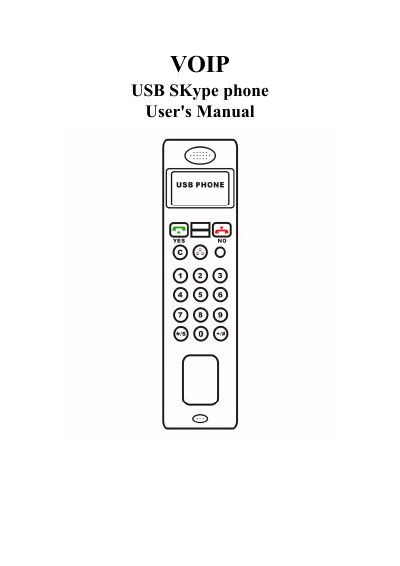
This document is a user manual for the VOIP USB Skype Phone. It details system requirements, product performance, and usage methods for connecting the device to a computer via USB to use with Skype and other VoIP software. The guide covers installation procedures, function key operations, and dialing rules for making calls.
| CPU | P2200 MHz |
|---|---|
| Memory | 64 MB |
| Hard disc space | 10 MB |
| Operating system | Windows2000/XP |
| Network connection | LAN, ADSL, ISDN, 33.6 K modem |
| USB specification | USB1.1 |
Check if any VoIP program is running. If not, run at least one. If Skype is running, check if the icon is visible in the Skype Windows.
Go to the Skype panel, select Tools > Options, and check the box for "Automatically pause Winamp during calls".
Right click on the selected Skype contact in the application's panel, choose "Set Speed-Dial", and input the number.