
GM-901D is a network IP telephone adapter with rich features and high-definition voice quality. It follows the SIP industry standard and is compatible with many other SIP devices and software in the market.
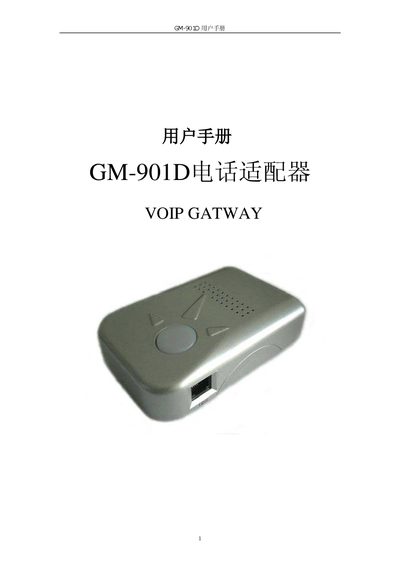
The GM GM-901D is a VoIP gateway user manual. The manual introduces the GM-901D network IP telephone adapter and states that it follows SIP standards and can be used with SIP devices and software.
The manual covers installation, basic operation, calling features, configuration, software upgrade, and factory reset. It describes hardware such as the FXS PSTN port, LAN port, WAN port, keypad, LED, power adapter, dimensions, weight, temperature, humidity, and compliance standards. This manual is written in Chinese.
| WAN interface | 1x RJ45 10 Base-T |
|---|---|
| FXS PSTN interface | 1x FXS PSTN |
| Power input | 100-240VAC 50-60 Hz |
| Power output | +5VDC, 1500mA |
| Dimensions | 72mm x 105mm x 27mm |
| Operating temperature | 40-130°F / 5-45°C |
Direct IP calling allows calls between phones without going through a SIP proxy, such as between a phone with a GM-901D and a VoIP device. Both sides must have public IP addresses or be on the same LAN.
The user must find the device's MAC address, compile it using the keypad encoding, then use the phone's *** or GM-901D button, dial 99, and dial the encoded MAC address.
The GM-901D follows safety standards including FCC/CE and C-tick, and the power adapter follows UL.