
The VisionTek VT210 is a dual-display USB-C docking station with DP Alt Mode, up to 100W power passthrough, and multiple video and USB ports.
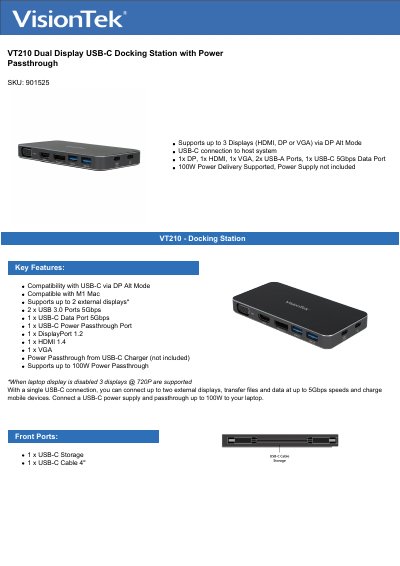
The VisionTek VT210 Dual Display USB-C Docking Station connects to a host system through a single USB-C port using DP Alt Mode. It supports up to two external displays, or three at 720p when the laptop display is disabled, and provides video output through DisplayPort 1.2, HDMI 1.4, and VGA ports.
The dock includes two USB-A 3.0 ports, one USB-C 5 Gbps data port, and one USB-C power passthrough port supporting up to 100W. It is compatible with Windows 7, 8, 8.1, 10, macOS 10.x and later, and Chrome OS, requires no drivers, and is covered by a 2-year limited warranty.
| Dock Connection | USB-C |
|---|---|
| Power Delivery | Up to 100W |
| Maximum Resolution | 1 x 4K @ 30Hz (3840 x 2160) |
| Displays Supported | 2 Maximum |
| Video Interfaces | DP 1.2, HDMI 1.4, VGA |
| Ports | 2x USB-A 3.0, 1x USB-C 3.1 Gen1, 1x USB-C Power Passthrough |
| Cable Length | 0.1m |
| Warranty | 2 Year Limited |
| Operating Temperature | 0 to 40° C |
| Weight | 3.3oz (94g) |
No. The VT210 only connects to systems with a USB-C port and does not include a USB-C to USB-A cable or adapter.
It can provide up to 100W of power pass-through via USB-C.
No. The VT210 operates using USB-C with DisplayPort (DP Alt Mode) and is plug-and-play.
Yes. The VT210 does not require drivers to operate.