
This user manual provides setup instructions, troubleshooting tips, and system requirements for the Vision Tek VTWC30 1080p webcam.
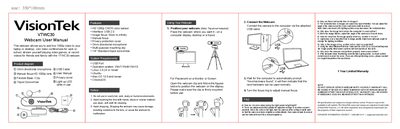
The Vision Tek VTWC30 is a 1080p webcam featuring an omnidirectional microphone, manual focus, and a privacy cover. It includes a flexible base or clip for mounting on monitors or screens and a tripod screw hole for alternative positioning. The device is designed for use in video conferencing, streaming, and recording without requiring specific drivers.
| Video Resolution | HD 1080p |
|---|---|
| Interface | USB 2.0 |
| Image Focus Range | 50cm to infinity |
| Microphone Type | Omni directional |
| Operating Systems | Win7/Win8/Win10, Linux 2.6.24+, Ubuntu, Mac OS 10.6+, ChromeOS |
Face the camera at the ceiling or white wall so that the camera reduces brightness automatically.
This is caused by light refraction; adjust the angle of the camera and the screen will come back to normal.
Adjust the angle of the camera so it resets focus.
Using the latest Microsoft Service Pack and the USB 2.0 or 3.0 port will improve image quality.