
This user manual covers the installation, operation, and maintenance of the Unknown Brand 3241 projector, including settings, connectivity, and troubleshooting.
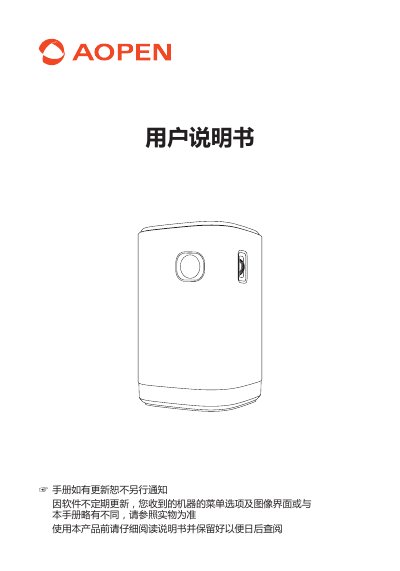
This manual provides instructions for the Unknown Brand 3241 projector, covering safety precautions, installation, and cleaning. It details the device's physical layout, including the remote control and various ports on the front and back of the unit.
The guide explains how to configure the projector's display and sound settings, connect external devices via HDMI and USB, and perform screen mirroring for both iOS and Android devices. It also includes a list of technical specifications and a troubleshooting section for common issues. This manual is written in Chinese.
| Power Input | DC 12V/3A; AC 100V~240V |
|---|---|
| Display Technology | DLP 0.3" DMD |
| Light Source | RGB LED |
| Projection Image Size | 18.9-75.1 inches |
| Contrast Ratio | 10000:1 |
| Throw Ratio | 1.33:1 |
| Speaker Power | 5 W x 2 |
| Dimensions | 86 x 86 x 136 mm |
| Weight | 756 g |
The projection distance determines the screen size; refer to the provided table for the best reference range.
Adjust the focus knob on the lens to obtain a clear image.
Connect via USB, select 'Multi-screen Interaction', and use the Airplay mirror function on the iOS device.
The default password is 12345678.