
The Ultraloq UL300 Smart Lock User Guide covers installation, operation, battery replacement, and specifications for the UL300 smart lock.
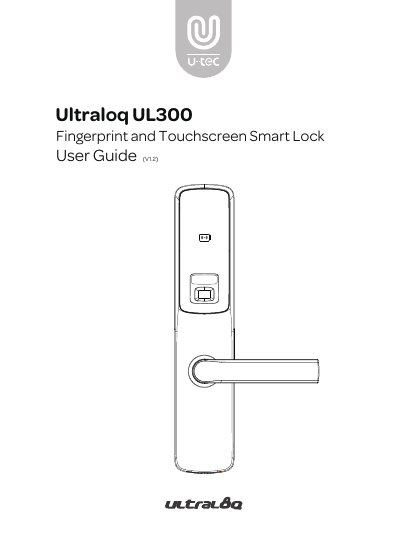
This user guide covers the Ultraloq UL300 Fingerprint and Touchscreen Smart Lock, including important safety notes, packing list contents, and installation steps for the mortise, strike, exterior assembly, and interior assembly.
It also explains how to configure sound, date and time, reset the lock to factory defaults, and answers frequently asked questions about remote access, lost phones, low battery, and record capacity.
| Door thickness | 1-9/16'' to 4'' (40mm to 100mm) |
|---|---|
| Backset | 2-3/8'' (60mm) |
| Mortise depth | 4'' (100mm) |
| Battery type | AA Alkaline Battery |
| Log capacity | maximum of 1000 records |
Pair the optional Ultraloq Bridge to control the lock remotely through the U-tec app.
Use the backup key or connect a 5V power bank to temporarily activate the lock.
The lock supports a maximum of 1000 records, replacing the oldest when full.
Change your U-tec account password at www.u-tec.com/myutec.html or from another phone in the U-tec app.