
Key facts
- Manuals
- 1
- Languages
- EN
- Last added
- 2026-11-17
Featured ULTRALOQ manuals
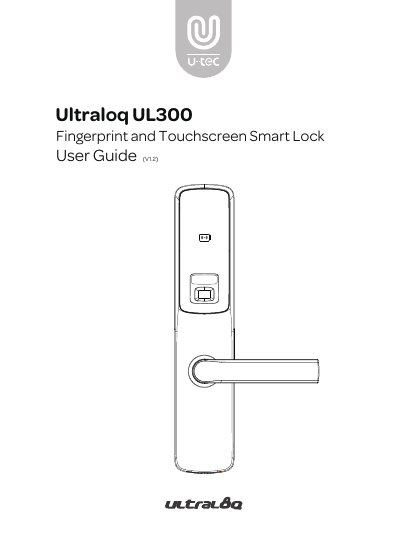
Ultraloq UL300 Fingerprint and Touchscreen Smart Lock User Guide
This user guide covers the Ultraloq UL300 Fingerprint and Touchscreen Smart Lock, including important safety notes, packing list contents, and installation steps for the mortise, strike, exterior assembly, and interior assembly.
It also explains how to configure sound, date and time, reset the lock to factory defaults, and answers frequently asked questions about remote access, lost phones, low battery, and record capacity.
Covers: Important Notes · Packing List · Door Dimensions · Installing Mortise and Strike · Installing Exterior Assembly · Installing Interior Assembly
Latest ULTRALOQ manuals
Ultraloq UL300 Fingerprint and Touchscreen Smart Lock User Guide
User Manual 64 pages · 2.6 MB · ENThe Ultraloq UL300 Smart Lock User Guide covers installation, operation, battery replacement, and specifications for the UL300 smart lock.
Which document do I need?
User Manual
Day-to-day operation, settings and troubleshooting. Start here if the product is already set up.
Questions answered in ULTRALOQ manuals
How can I control the UL300 remotely?
Pair the optional Ultraloq Bridge to control the lock remotely through the U-tec app.
From: Ultraloq UL300 Fingerprint and Touchscreen Smart Lock User Guide
What should I do if the UL300 battery runs out?
Use the backup key or connect a 5V power bank to temporarily activate the lock.
From: Ultraloq UL300 Fingerprint and Touchscreen Smart Lock User Guide