
Instruction manual for the UEi NCV1 portable multifunction tester, covering non-contact AC voltage, DC polarity, continuity, self-test, and battery replacement.
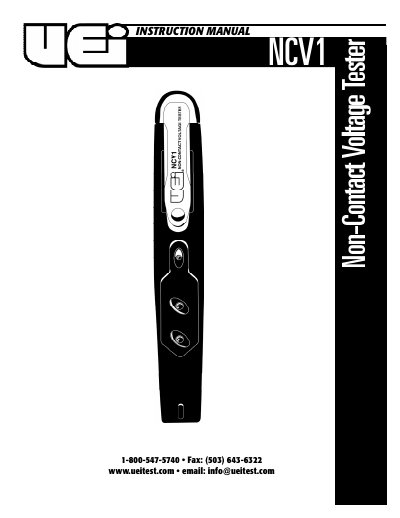
The NCV1 is a pocket-size multifunction tester from UEi that combines digital technology with an intelligent sensor to distinguish high and low AC voltage. It provides non-contact AC voltage testing from 70 to 600 V AC with auto high/low indication, DC voltage and polarity checks from 1.5 to 36 V DC, continuity checks from 0 to 80 MΩ, and a flashlight.
The manual covers safety notes, the self-test procedure, non-contact AC voltage testing, DC voltage/polarity checks, continuity checks, and battery replacement. It also includes a three-year limited warranty from UEi.
| Non-contact AC voltage range | 70–600 V AC |
|---|---|
| DC voltage/polarity range | 1.5–36 V DC |
| Continuity range | 0–80 MΩ |
| Operating temperature | -10 to +50 °C (14 to 122 °F) |
| Frequency range | 50–500 Hz |
Press the switch down and touch the TEST PIN with your other free hand; both LEDs light and the buzzer sounds to indicate normal functioning.
It detects non-contact AC voltage from 70 to 600 V AC with auto high/low sensitive indication.
The NCV1 checks DC voltage and polarity from 1.5 to 36 V DC.
Twist the clip either left or right, pull the cover out, replace the batteries with the NEGATIVE side at the left, and place the cover back.