
UBox Low Power Camera User Manual

User guide for installing, configuring, and operating UBox low-power cameras via 4G or WiFi.
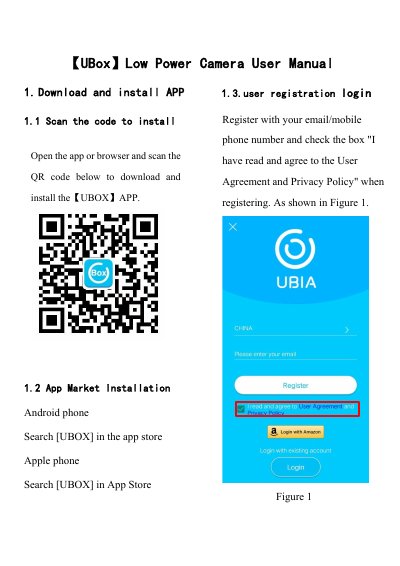

UBox Low Power Camera User Manual - cover page
Brand
UBox
Document type
User Manual
Language
Chinese
Pages
11
File format
PDF
File size
1 MB
Published
22 November, 2026
Updated
22 November, 2026
MD5 checksum
E11DDC4F365A7EEB9AF532312326E714

About this manual

This manual guides users through downloading and installing the UBox app, adding 4G or WiFi cameras, and using the main and preview interfaces. It also covers video playback and download from cloud or TF card storage, along with device status indicators and usage cautions. The document includes warranty information and FCC compliance notes. This manual is written in Chinese.

What's inside

  • Download and Install APP
  • Add 4G Camera
  • Add WiFi Camera
  • Using the Main Page
  • Using the Preview Interface
  • Video Playback and Download
  • Cautions
  • Warranty Card
  • FCC WARNING

Frequently asked questions

What does the blue light blinking mean on a WiFi camera?

It indicates the camera is in configuration status.

What is required to install a 4G camera?

Insert a traffic card and power on the camera until the blue light is always on.

What indicator shows the camera is in configuration state?

The blue light is always on for 4G cameras and blue light blinking for WiFi cameras.

How long is the free cloud storage service?

One month free cloud storage service is provided.

Download PDF (1 MB)

More UBox Manuals


View all UBox manuals →