
Installation instructions for the U.S. Robotics Cardbus 10/100 Mbps Ethernet PC Card, including driver setup for various Windows versions, Linux, and DOS.
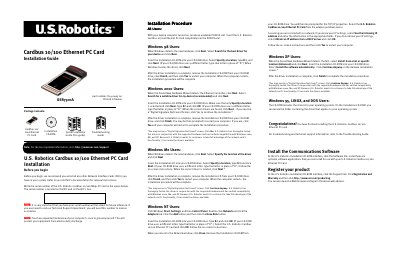
The U.S. Robotics Cardbus 10/100 Mbps Ethernet PC Card is a network interface card designed for laptop computers with PCMCIA slots. This guide provides step-by-step instructions for physical installation and driver configuration.
Supported operating systems include Windows 95, 98, Me, NT, 2000, XP, as well as LINUX and DOS. The guide covers driver installation via CD-ROM and basic network configuration for TCP/IP settings.
| Interface | PCMCIA slot |
|---|---|
| Speed | 10/100 Mbps |
It is recommended to uninstall any other Network Interface Cards (NICs) in the system and ground yourself by touching an unpainted metal area of the computer case.
The package contains the Cardbus 10/100 Ethernet PC Card, an Installation CD-ROM, and a Troubleshooting Guide.