
The True Metrix blood glucose meter user manual provides usage instructions, battery replacement, Bluetooth setup, and troubleshooting.
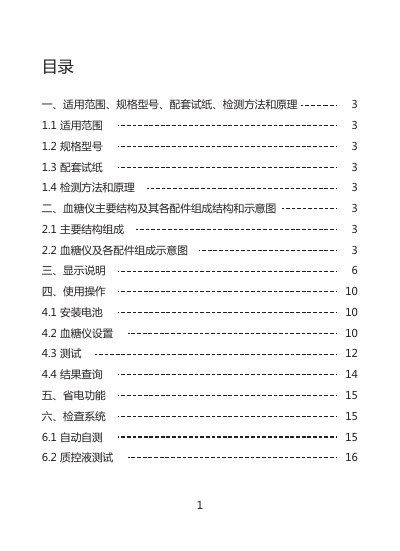
This manual describes the applicable scope, model numbers, and compatible test strips for the True Metrix blood glucose meters. It details the main structure, accessories, display symbols, and operating procedures such as battery installation, device settings, and test execution.
Additional sections cover power‑saving features, self‑check and quality‑control functions, Bluetooth capabilities (for the AIR model), storage, maintenance, warranty information, safety precautions, contraindications, troubleshooting, performance specifications, accessory list, symbol explanations, and electromagnetic compatibility declarations. This manual is written in Chinese.
| Battery type | CR2032 3 V button cell (non‑rechargeable) |
|---|---|
| Compatible test strips | TRUE METRIX blood glucose test strips |
| Display symbols | Battery, multi‑site sampling, drop, temperature, test reminder, ketone reminder, unit, etc. |
No. The blood glucose meter uses a non‑rechargeable CR2032 battery and must not be charged.
Only the TRUE METRIX blood glucose test strips listed as compatible in the manual should be used.