
This is the instruction manual for the Tristar DH-5419 dehumidifier, covering safety, control panel use, drainage, cleaning, troubleshooting and storage.
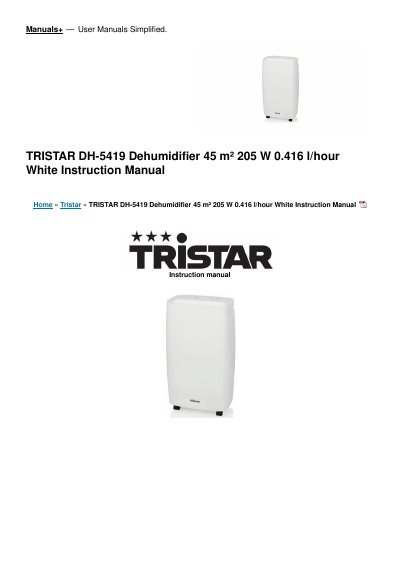
The Tristar DH-5419 is a 45 m², 205 W dehumidifier for indoor household use. This manual describes its parts, safety instructions, and preparation before first use, including placing the unit upright and keeping at least 20 cm from walls or other obstacles.
It also explains how to use the control panel to set humidity between 40% and 80%, fan speed, and a 01-24 hour timer, as well as continuous water drainage, emptying the drainage tank, cleaning and maintenance, cleaning the filter, troubleshooting, and storage.
| Coverage area | 45 m² |
|---|---|
| Power | 205 W |
| Dehumidification rate | 0.416 l/hour |
| Color | White |
| Voltage | 220V-240V 50Hz |
| Humidity range | 40% to 80% |
| Timer range | 01-24 hours |
| Refrigerant | R290 |
| Minimum distance from obstacles | 20 cm |
Use the + and - icons to decrease or increase the humidity level between 40% and 80% with 5% intervals.
The unit requires 220V-240V 50Hz. Make sure the voltage indicated on the device matches the local voltage before connecting it.
Wait at least 3.5 minutes before restarting. This is to prevent the compressor from being damaged.
Touch and hold the Child Lock icon for 5 seconds. All other functions will not work when the Child Lock is activated.