
This manual covers the installation, operation, and features of the Trilithic 360 DSP, a field analyzer designed for home certification and troubleshooting.
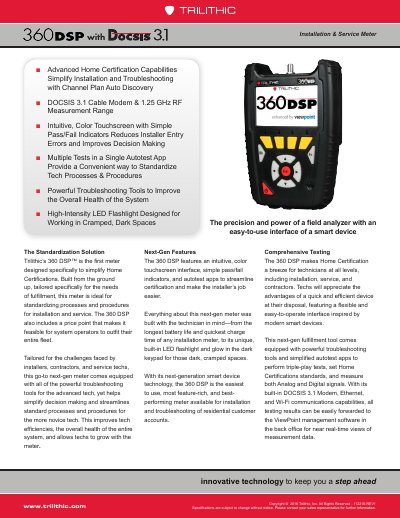
The Trilithic 360 DSP is an advanced installation and service meter designed to simplify home certification, installation, and troubleshooting. It features advanced capabilities such as channel plan auto-discovery, DOCSIS 3.1 cable modem support, and a 1.25 GHz RF measurement range. The device includes an intuitive color touchscreen with simple pass/fail indicators to reduce installer entry errors and improve decision-making.
| DOCSIS Version | DOCSIS 3.1 |
|---|---|
| RF Measurement Range | 1.25 GHz |
| Wi-Fi Standards | 802.11 b/g/n |
| USB Port | USB 2.0 |
| Management Port Speed | 10/100 Mbps |
| Max Technicians | 5 |
It is designed specifically to simplify Home Certifications, installation, and troubleshooting for technicians.
Yes, it allows up to 5 technicians to share the device, each with their own profile containing different channel plans and autotests.
Firmware can be updated through the web or via USB to ensure the latest features are available.