
Trend Micro EdgeIPS IPS-102-BP-TMPWR1 Quick Setup Guide

A quick setup guide for the Trend Micro EdgeIPS transparent security box, covering package inspection, installation, wiring, and initial software configuration.
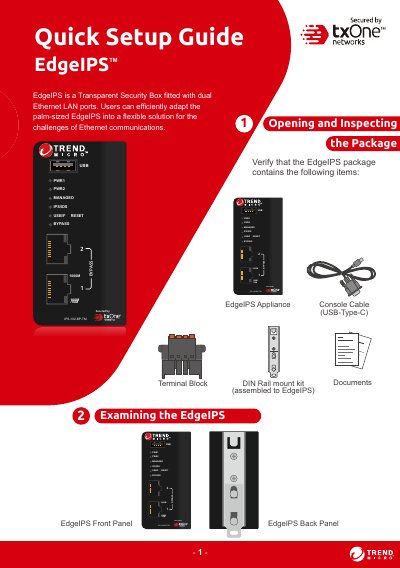

Trend Micro EdgeIPS IPS-102-BP-TMPWR1 Quick Setup Guide - cover page
Brand
Trend Micro
Category
Other Electronics
Document type
Quick Start Guide
Language
English
Pages
9
File format
PDF
File size
1.2 MB
Published
28 October, 2026
Updated
28 October, 2026
MD5 checksum
12FB1D06A293FAC8564FC4F2D0A1D329

About this manual

This document serves as a quick setup guide for the Trend Micro EdgeIPS (model IPS-102-BP-TMPWR1), a transparent security box designed to adapt Ethernet communication challenges. It details how to verify package contents, mount the device on a DIN rail, and wire redundant power inputs ranging from 12V to 48VDC.

What's inside

  • Package Contents
  • LED Indicators
  • DIN Rail Mounting
  • Wiring Power Inputs
  • Software Configuration
  • Network Connection

Frequently asked questions

What is the default IP address for web console access?

The default IP address of the Web Console is https://192.168.127.254.

What are the default login credentials?

The default username is 'admin' and the password is 'txone'.

How do you reset the device to factory defaults?

Press and hold the reset button for more than 10 seconds until the MANAGED LED blinks every half-second.

Download PDF (1.2 MB)

More Trend Micro Manuals


View all Trend Micro manuals →