
User manual for Topcon MS05A, MS1A and MS05 total stations covering safety, operation, measurements and maintenance.
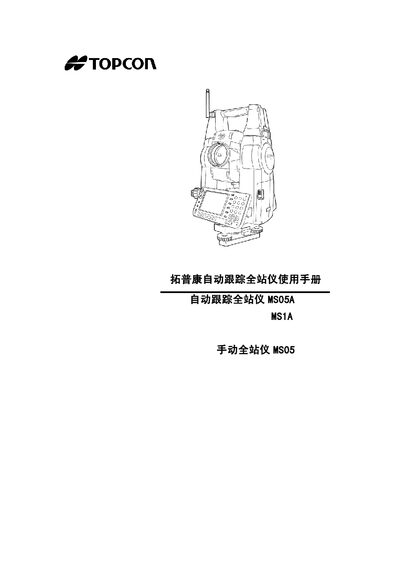
The manual provides safety instructions, symbols and warnings to ensure safe operation of the Topcon MS05A, MS1A and MS05 total stations. It describes the instrument’s functions, parts, mode structure and Bluetooth wireless connection.
Detailed sections cover basic operation, CF‑card handling, battery usage, external device connections (Bluetooth, USB, RS‑232C), measurement programs such as angle, distance, coordinate, terrain and stakeout, as well as calibration and troubleshooting procedures. This manual is written in Chinese.
| Angular accuracy | 0.5" |
|---|
The manual uses symbols such as 生 for important safety notes, 『子 for reference sections, hot for supplemental notes, and 過 for special terms.
It can connect via Bluetooth wireless communication, USB, or RS‑232C cable as described in the external device connection section.
The CF card is inserted and removed following the steps in section 6.1 of the manual.
Battery handling instructions are provided in section 7, covering installation, removal and safety precautions.